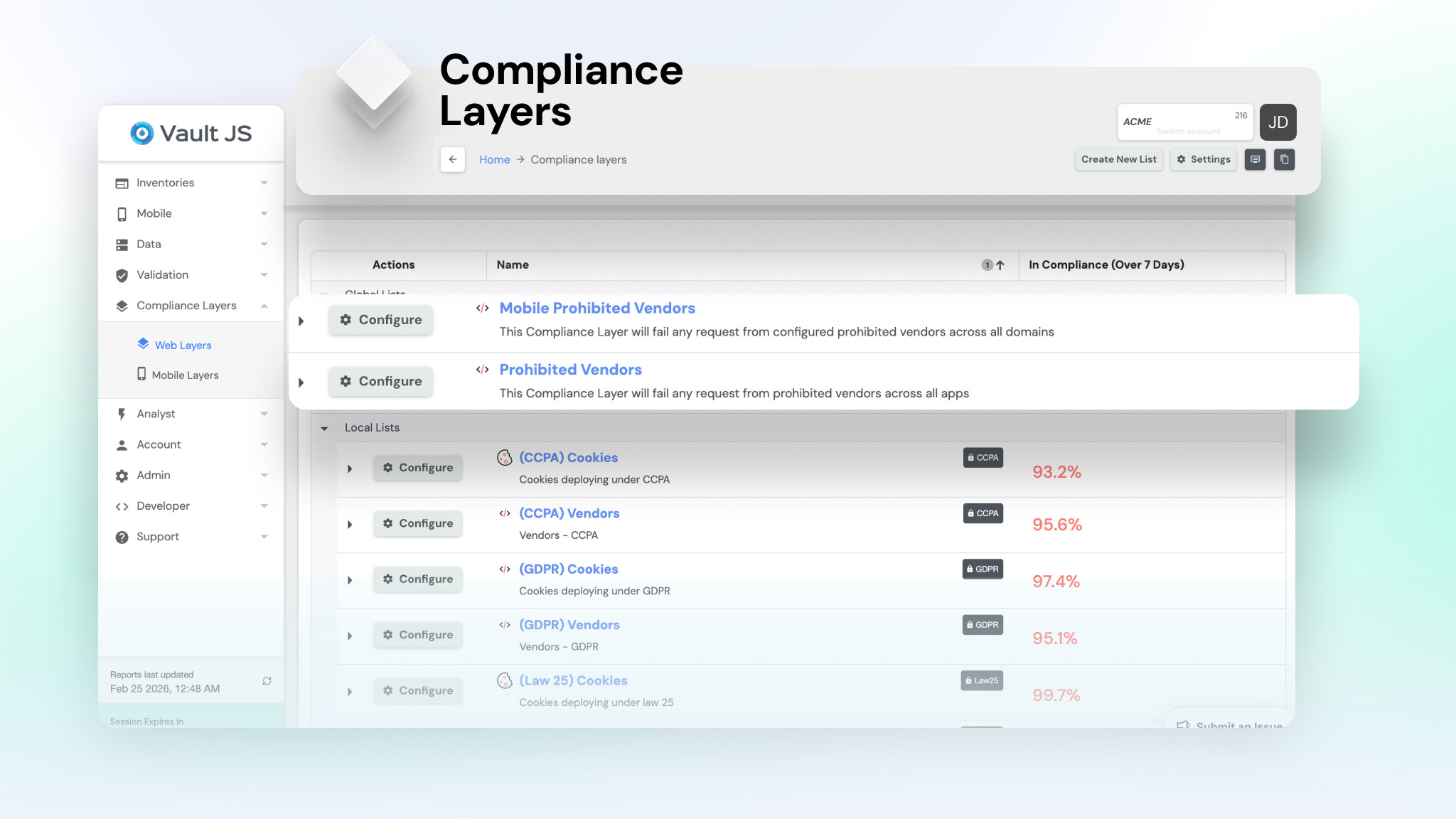

Make Sure Your Websites Honor Consent and Privacy Laws
Vault JS Website Monitoring verifies that the data your websites collect matches your visitors’ choices and the law. It loads your pages from the regions you serve, under every consent state, and follows real journeys through search, forms, checkout and logged-in accounts. Nothing is installed on your site.

Google fined €325 million over cookies
France's privacy regulator found Google placed advertising cookies on people creating accounts without valid consent.

Kaiser agreed to pay up to $47.5 million
Plaintiffs alleged trackers on Kaiser's websites and patient portals sent health searches to Google, Microsoft and X. The class covers 13.4 million people.

Sutter Health agreed to pay $21.5 million
Plaintiffs alleged Meta Pixel and Google Analytics on Sutter's patient login page shared health information with advertisers without consent.
How Vault JS Supports Compliance for Websites

Tag & Vendor Identification
Identifies every pixel, tag, script and cookie, and the company behind it.

Pre-Consent Tracking Audit
Flags data sent before a visitor has made a choice.

Real User Journeys
Follows real paths through search, forms, checkout and logged-in pages.

Consent Variance Testing
Tests every page under accept, reject, no action, GPC and Do Not Sell or Share, across regions.

Detailed Compliance Reporting
See what data is collected, by whom, and which law it affects.

Integration & Workflow
Nothing to install. Alerts go to Slack, Jira and your CMP.
Key Website Compliance Capabilities
How we manage risk in a changing environment
Journey-Based Compliance Testing
Vault JS follows the paths real visitors take: searching, filling in forms, adding to cart, checking out, booking an appointment, logging in. Many of the most serious violations, like a pixel capturing form fields or a health search, only appear deep in these journeys, where a homepage scan never reaches.


Consent and Region Testing
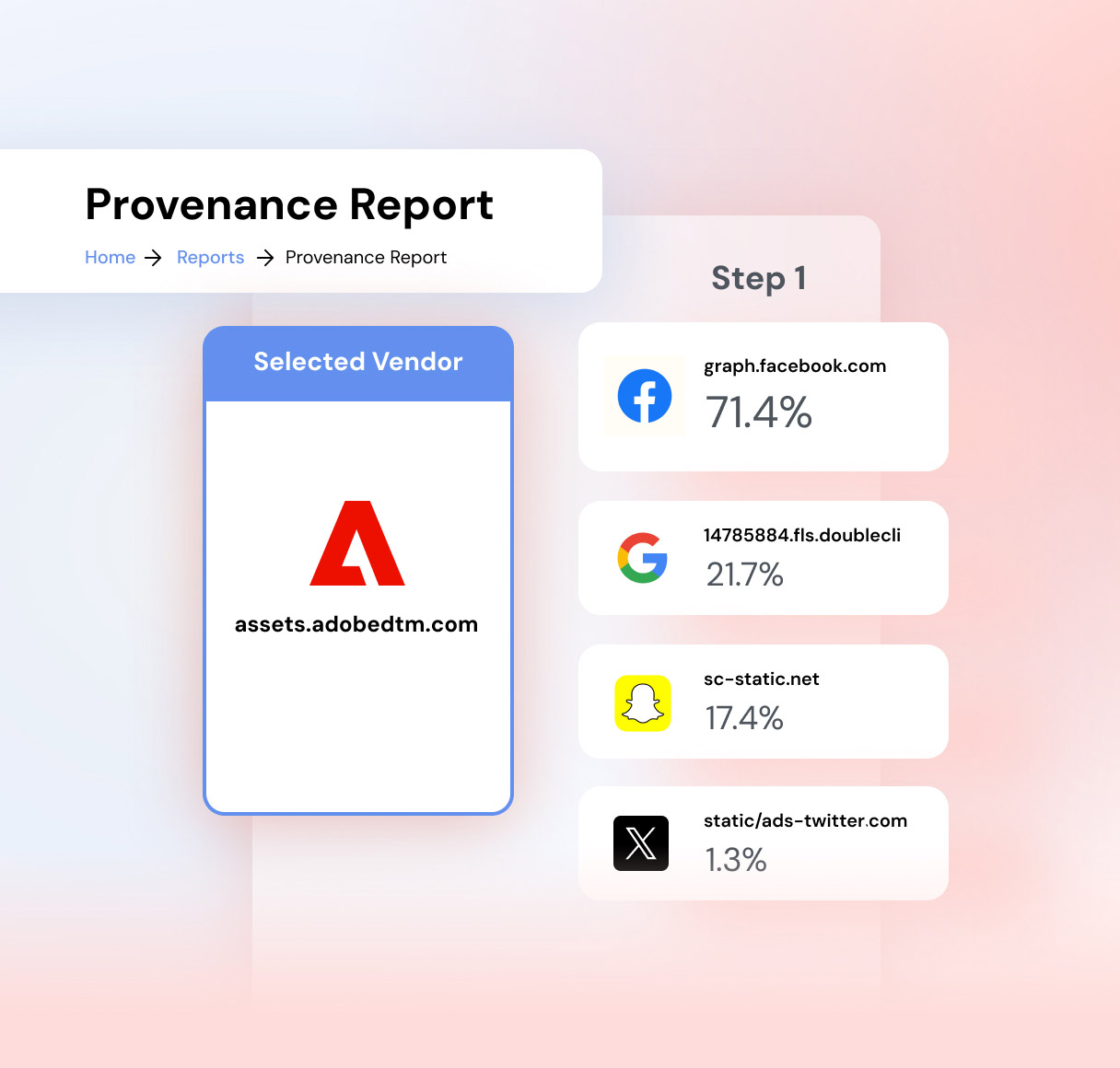
Every page is tested from the regions you serve and under each consent state: accept, reject, no action, Global Privacy Control and Do Not Sell or Share. Vault JS shows whether data stops when a visitor opts out, and flags it when it doesn't. It can also check whether an opt-out made on your site carries through to your apps and CTV.
Comprehensive Visibility
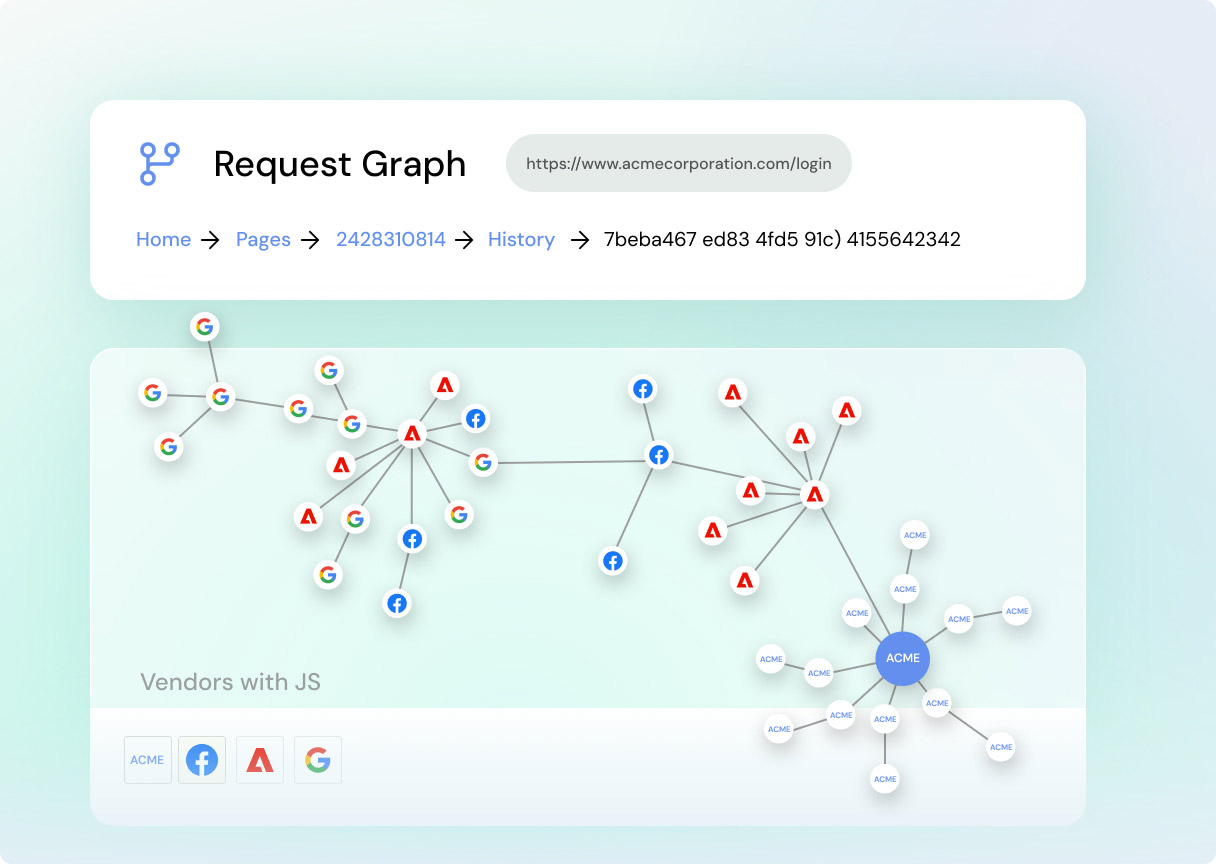
Vault JS records every request your pages make, the data each one carries and the vendor that receives it, then matches each vendor and cookie against its research libraries of more than 10,000 AdTech vendors and 500,000 cookies. Technical teams get the exact tag to fix; legal teams get evidence tied to the statute.
Protect Revenue & Reputation
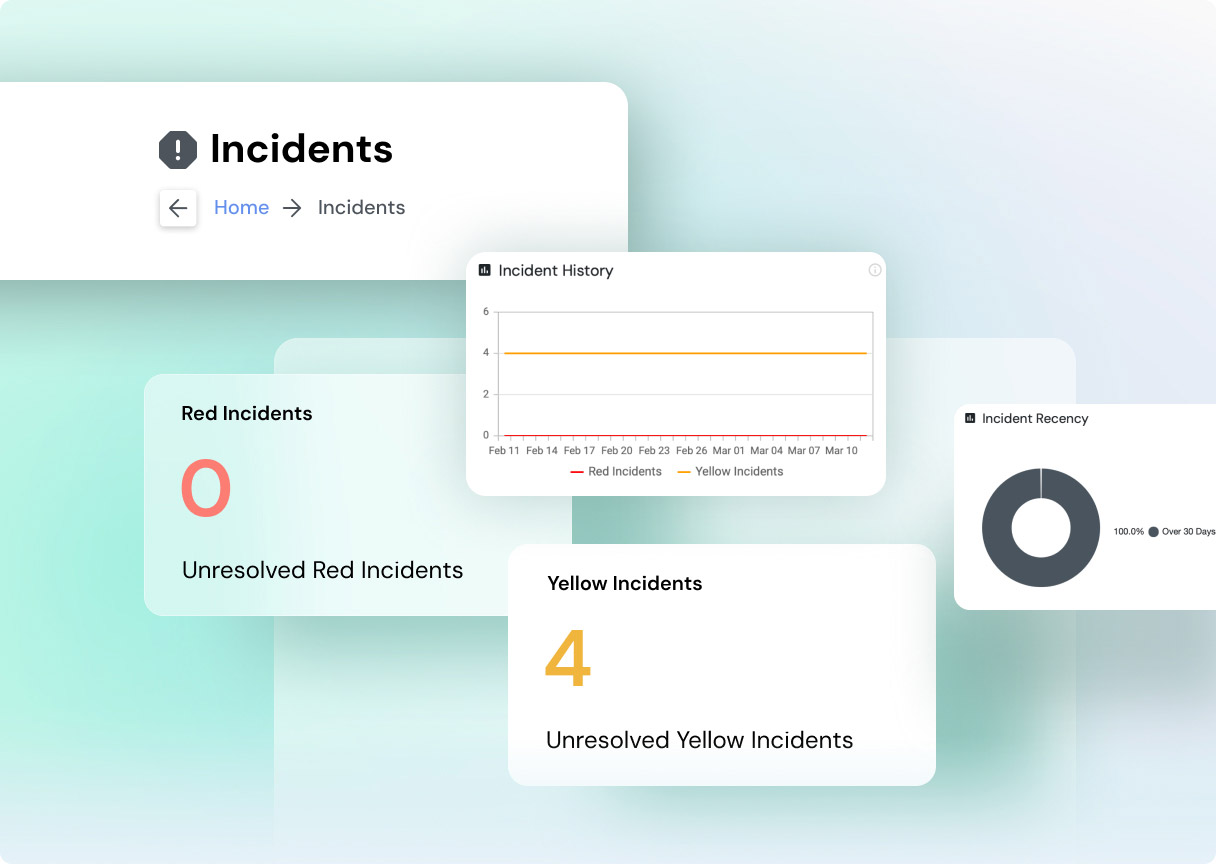
No one wants to become the next news headline or million-dollar cautionary tale. By catching issues early, Vault keeps you ahead of regulators, helping avoid expensive fines, settlements, and reputational damage.
How it Works
1. Setup & Crawling
You tell us which sites, pages, regions and consent scenarios matter. Your Customer Success Manager helps set the page runs so every run goes where it finds the most risk. Vault JS loads your pages from the outside, the way a regulator or a plaintiff’s expert would, with nothing installed on your site.
2. Data Capture
As each page run completes, Vault JS captures every network request, cookie and script, including data sent before the consent banner is answered and data sent by tags that fire other tags. Each request is logged with what was sent, where it went and the visitor’s consent state.
3. Analysis & Classification
Vault JS checks the captured data against rule sets mapped to the laws that apply to you, backed by a legal library of statutes, case law and regulator guidance. For example, it flags a pixel that sends a search term after an opt-out, or a session recorder capturing form fields on a health page, and explains why it matters.
4. Result & Remediation
The platform presents your results in a dashboard: passed tests, flagged issues, and recommended actions. The platform’s output is fully actionable for developers and clear enough for lawyers to understand, bridging the gap between technical data and legal requirements.
Vault JS Compliance Management Resources
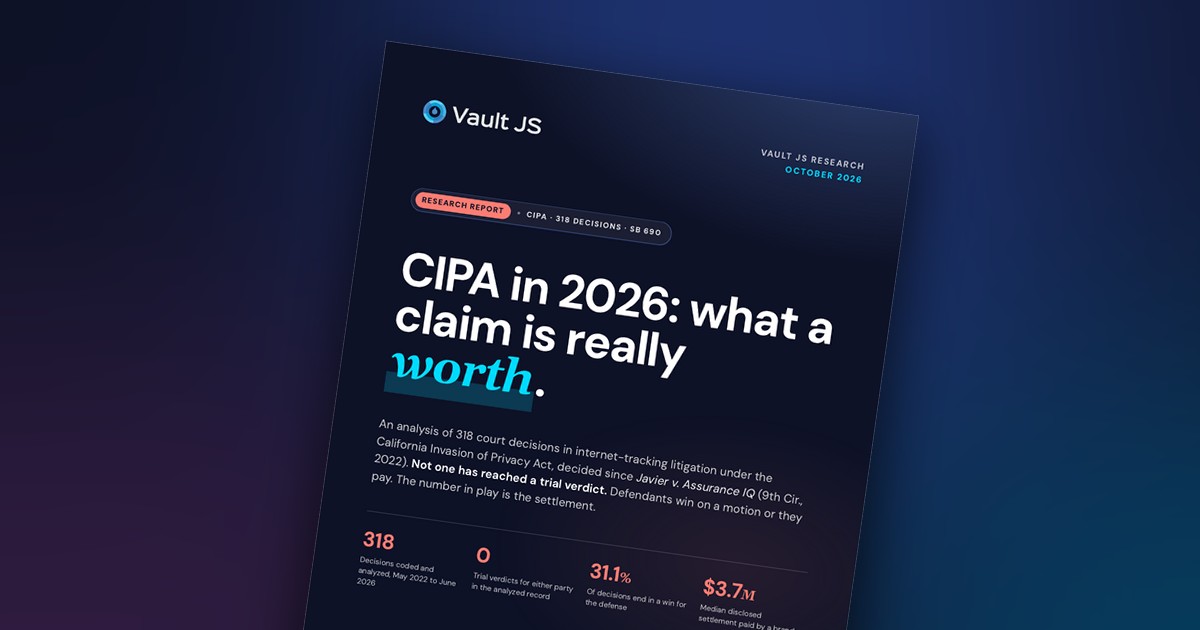
CIPA in 2026: 318 decisions, zero trial verdicts, and what a claim is really worth
We analyzed every internet-tracking decision under CIPA since 2022. None is a trial verdict, the defense wins 31.1% of the time, and the median disclosed...

Four Takeaways From Our Conversation With CalPrivacy’s Tom Kemp
CalPrivacy Executive Director Tom Kemp on vendor validation, GPC enforcement sweeps, cross-device opt-outs, and reading settlements as guidance.
Read More
Show Your Work: Privacy’s Shift to Continuous Assurance
Regulators are shifting from "do the work" to "show your work." In a recap of our webinar with PwC's Jake Meek, this blog discusses the...
Read More