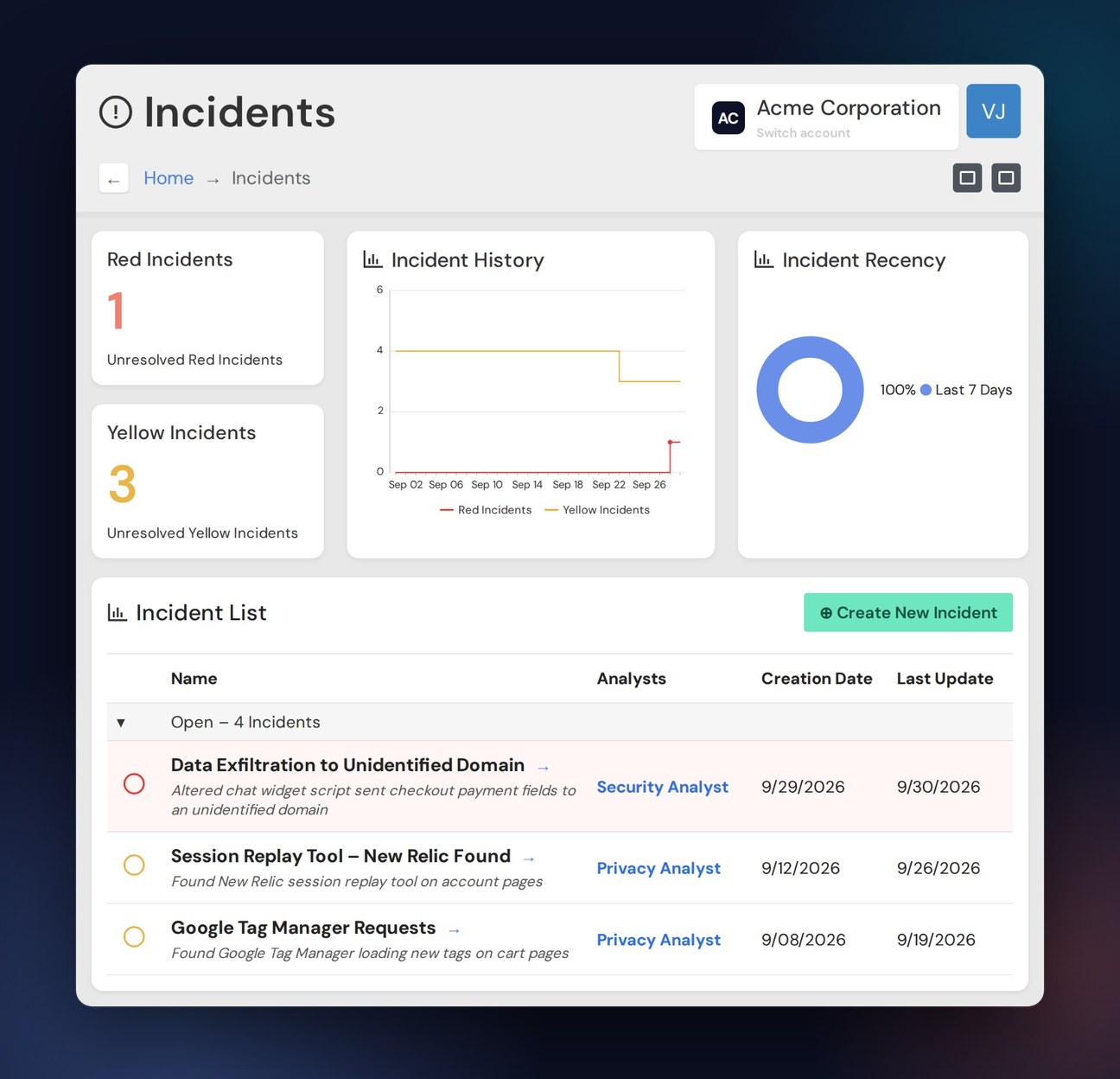

Full Visibility Into Day-Zero Risks
Security Monitoring is an Vault JS Enterprise add-on that provides day-zero visibility into third-party DTT risk, so security, privacy, and digital teams can act immediately when a vendor is compromised by malicious actors. In addition to deep, detailed external synthetic digital property monitoring, we conduct AI-powered malicious-code and data-collection detection.

A data breach cost Equifax $575 million
Equifax paid $575 million in a global settlement (FTC, CFPB, & 50 U.S. states/territories) for failing to take reasonable steps to prevent a 2017 data breach.

British Airways settled for $26 million after a Magecard attack
A Magecart attack group injected a malicious JavaScript skimmer into British Airways' payment page to capture payment data and transmit it to the attackers in real time, a UK GDPR violation.

Multiple class actions over a vendor’s compromised chatbot
When malware infected 24/7.ai’s chatbot, it exposed highly sensitive customer billing information, even for users who never used the chatbot. Class action suits were filed against Best Buy, 24/7, Inc, and others.
How Vault JS Helps Detect Browser-Based Data Theft

Code Analysis Archive
We maintain a full audit history of every scan: when code arrived, what changed, what broke.

Human Review
With the analysis engine set to Highly Sensitive, our subject matter experts ensure zero false positives.
AI-Driven Code Analysis
Vault JS’s proprietary Code Analysis Engine incorporates our deep technical expertise in tag management.

Fingerprinting
Identify when vendors are tracking your users, even when they aren’t using cookies.

Monitor Secure Areas of the Site
Use our Automated Users feature to log in to an area of the site and analyze it for vulnerabilities.
Key Data Security Capabilities
How we keep data secure in a changing threat environment
Protection From Increasingly Sophisticated Attacks
Security Monitoring uses AI-based malicious-code detection and data collection to protect against attackers using AI-enabled tools capable of penetrating the sturdiest security perimeter.



Security Monitoring Needs No Installation
We don’t burden your IT team. The add-on operates outside your servers, without coding, installation, or latency issues. Security Monitoring is automated and continuous across all domains.
Built for the Largest Global Enterprises
As an add-on to Vault JS Enterprise, Security Monitoring is already helping secure data for the world’s largest, best-known online services, retailers, and institutions.


Your Return on Investment Is Immediate
With Security Monitoring, you get 80% of its value right away, even with no human help. Within a few days, we provide you with a map of third-party entities and risks, and you can start acting immediately.
Vault JS Compliance Management Resources

CIPA in 2026: 318 decisions, zero trial verdicts, and what a claim is really worth
We analyzed every internet-tracking decision under CIPA since 2022. None is a trial verdict, the defense wins 31.1% of the time, and the median disclosed...

Four Takeaways From Our Conversation With CalPrivacy’s Tom Kemp
CalPrivacy Executive Director Tom Kemp on vendor validation, GPC enforcement sweeps, cross-device opt-outs, and reading settlements as guidance.
Read More
Show Your Work: Privacy’s Shift to Continuous Assurance
Regulators are shifting from "do the work" to "show your work." In a recap of our webinar with PwC's Jake Meek, this blog discusses the...
Read More