
Ensure Your Mobile Apps Respect Consent and Privacy Laws
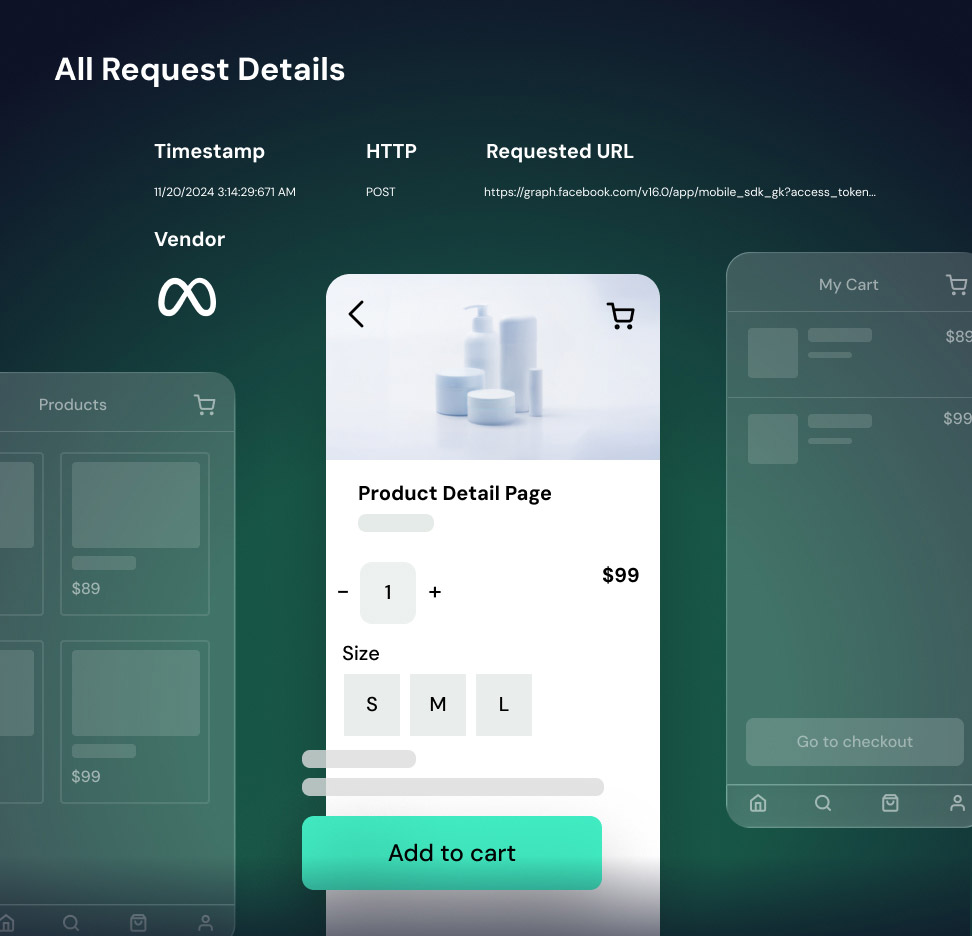
Vault’s Mobile App Monitoring verifies that the data your mobile app collects aligns with your customers’ preferences and applicable law. Vault provides comprehensive privacy analysis for native mobile applications on both iOS and Android, analyzing the full application stack, including native code and runtime behavior. Realistic user journeys within the app identify risks that static inspection would miss.

Allstate sued for $1 million for selling customer data
Allstate’s SDK for third-party apps allowed it to harvest data, which it used and sold to other auto insurers. Texas is suing for more than $1 million, or $7,500 per TDPSA violation.

Tilting Point Media settles for $500,000 over children’s data
Game publisher Tilting Point Media settled for $500,000 for using their popular mobile app game, SpongeBob: Krusty Cook-Off, to collect and share children’s data without parental consent.

DoorDash paid $375,000 for web and mobile app violations
DoorDash paid California $375,000 to settle website and mobile app privacy allegations of selling personal information without informing consumers or providing an opportunity to opt out.
How Vault JS Supports Compliance for Mobile Apps

Automated SDK & Tracker Identification
Automatically identifies third-party SDKs and tracking libraries.

Geolocation Data Tracking Audit
Tests your app for data collection without consent.

User Path Simulation (“Journey Testing”)
Simulates real user behavior to ensure compliance at every step.

Consent Variance Testing
Vault tests and verifies your app under different consent settings.

Detailed Compliance Reporting
See what data is collected, by whom, and why it’s a problem.

Integration & Workflow
No code installation needed for Android apps.
Key Mobile App Compliance Capabilities
How we manage risk in a changing environment
Journey-Based Compliance Testing
The platform follows actual user paths through your app (login, purchase, gameplay, etc.) to verify that every form, API call, and SDK action is compliant. This user-journey approach is not just static code analysis. It ensures that even complex consent flows and in-app behaviors are tested for violations.



Cross-Device Preference Testing
Mobile App Monitoring also performs cross-device preference testing, which is particularly relevant under laws such as the CCPA and GDPR. Vault JS simulates users with different privacy settings (opt-outs, Do Not Sell, parental consent status). It can prove that personal data stops when a user opts out or alerts you if it doesn’t.
Comprehensive Visibility
For a complete picture of the data your app’s third-party technologies are actually collecting, Mobile App Monitoring captures all HTTP requests and non-HTTP data flows, logging which vendors see the data and which SDK methods are invoked. Technical teams get actionable details, and legal teams get evidence of compliance.


Protect Revenue & Reputation
No one wants to become the next news headline or million-dollar cautionary tale. By catching issues early, Vault keeps you ahead of regulators, helping avoid expensive fines, settlements, and reputational damage.
How it Works
1. Setup & Crawling
Vault uses a specialized testing engine or crawler that interacts with your Android mobile app on real devices or in large-scale, real-device environments. The engine mimics a user’s actions – launching the app, navigating through screens, filling forms, toggling settings – under various conditions.
2. Data Capture
As the simulated user journeys run, Vault JS captures all outgoing data from the app in real time. This includes network calls (API requests, beacon calls, SDK transmissions) and even background data collection that isn’t visible in the UI. Vault logs what data is sent, where it’s sent (e.g., which third-party URL), and the user consent state: given or not given.
3. Analysis & Enforcement
Vault’s compliance engine analyzes the captured data against a knowledge base of privacy regulations. For example, it checks if an SDK is sending an advertising ID despite an opt-out (which would violate laws) or if location coordinates are transmitted without proper consent. When a potential violation is detected, it’s flagged and explained.
4. Result & Remediation
The platform presents your results in a dashboard: passed tests, flagged issues, and recommended actions. The platform’s output is fully actionable for developers and clear enough for lawyers to understand, bridging the gap between technical data and legal requirements.
Vault JS Compliance Management Resources

Server-Side Fingerprinting Explained: How Tracking Works Without Cookies
Server-side fingerprinting links user sessions even when browser signals change. This post explains how it works, why traditional defenses fail, and the risks it creates...
Read More
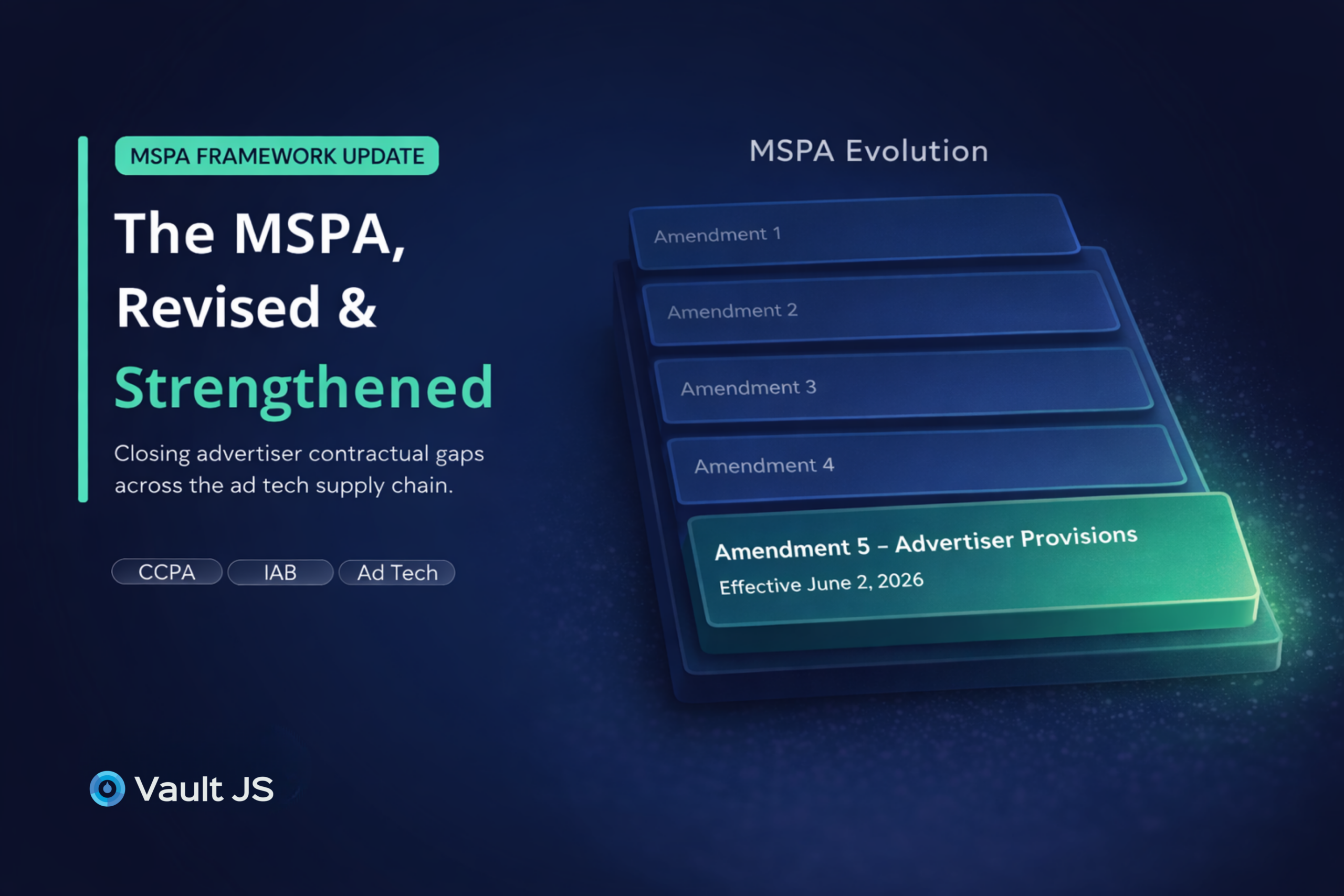
IAB Multi-State Privacy Agreement (MSPA) Update 2026: What Advertisers Need to Know
A report out of Carnegie Mellon’s School of Public Policy found that “87% (216 million of 248 million) of the population in the United States...
Read More

Beyond the Policy: 2025 GDPR Enforcement Trends and the Rise of Operational Accountability
By 2025, European regulators made a clear shift in approach: compliance is no longer judged by the wording of a privacy policy, but by the...
Read More